Blog
Integrating LoRaWAN Devices with Niagara 4
23 October 2026 · Anjali Ratnakaran
Discover how to integrate LoRaWAN® devices with Niagara 4 using Milesight gateways. Explore automatic device discovery, point creation, HTTP push, MQTT functionality and flexible deployment options.
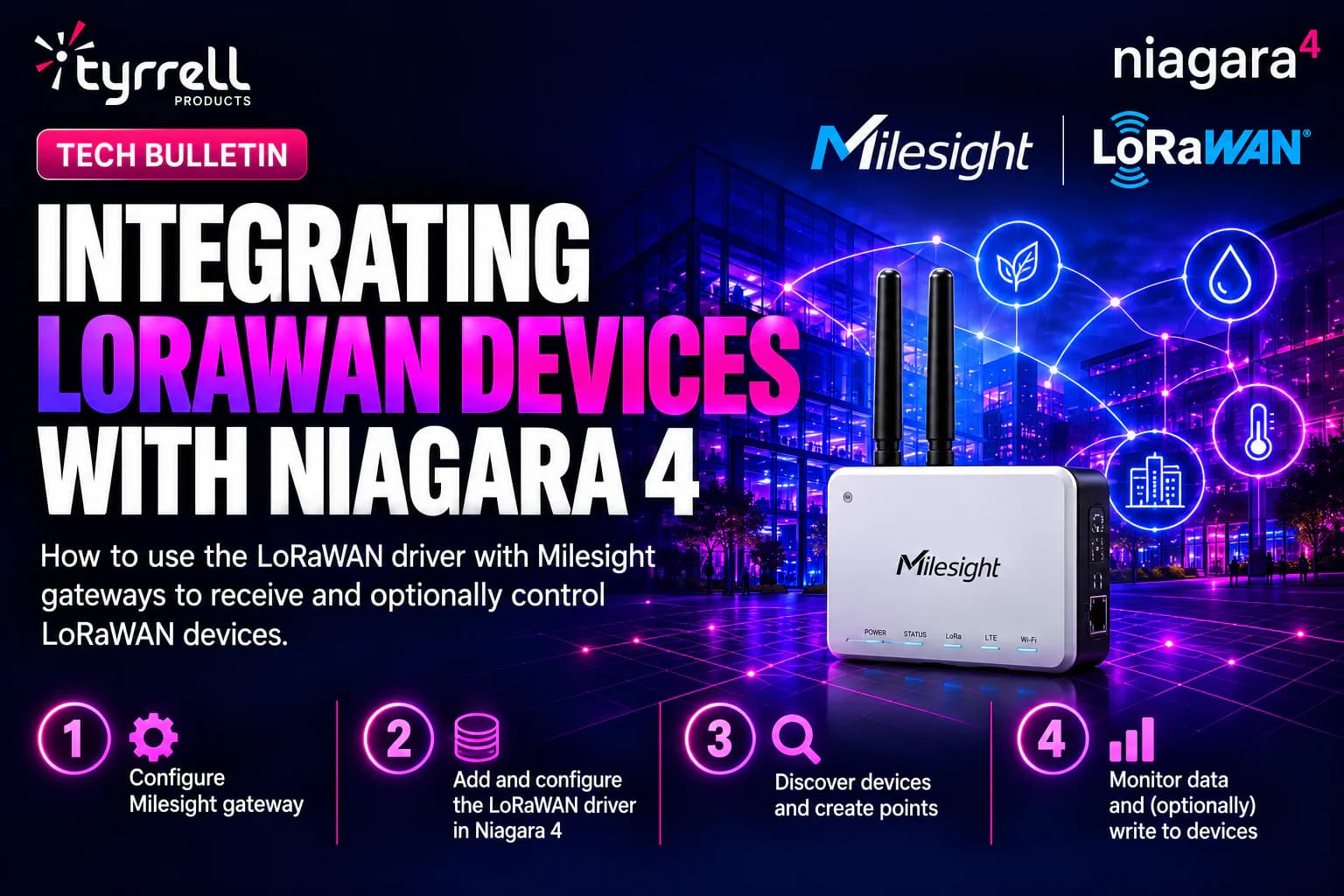
As LoRaWAN® devices become increasingly common in building automation applications, organisations need a simple way to bring wireless sensor data into their Niagara 4 systems.
The Niagara 4 LoRaWAN Driver integrates with Milesight gateways to simplify device discovery, point creation and data monitoring, while also supporting optional write functionality via MQTT.
Driver Overview
The LoRaWAN Driver for Niagara 4 integrates with Milesight gateways (UG65, UG56 and other compatible models) to discover LoRaWAN devices and automatically create points in Niagara.
The driver supports both receive-only and read/write functionality, with MQTT required for write operations.
Key Features
Compatible with Milesight UG65, UG56 and other compatible gateways
Discover devices and automatically create points
Receive-only mode (HTTP push from gateway)
Read/write capability (requires MQTT broker)
Simple setup in just a few clicks
Works on JACEs, third-party Niagara controllers, Web Supervisor and cloud-based Niagara solutions
Each point consumes 1 Global Capacity point
No decoders required – the driver handles the payloads
Important: The driver communicates with devices on your local network. It is not a cloud-based driver. Cloud deployments use a VPN/APN.
System Architectures
The driver can be deployed in a variety of ways depending on your project requirements.
Option 1: Niagara Controller (On-Site)
Components:
JACE 8000 / JACE 9000 or third-party controller
MQTT Broker (optional, required for write functionality)
Network Switch
Milesight UG65 / UG56
LoRaWAN Devices
Supported controllers include:
iSMA MAC36
Lynxspring Edge
Phoenix ILC
Other compatible Niagara controllers
Option 2: Niagara Web Supervisor (On-Site)
Components:
Web Supervisor
MQTT Broker (optional, required for write functionality)
Network Switch
Milesight UG65 / UG56
LoRaWAN Devices
Requires a Global Capacity point licence.
Option 3: Cloud-Based Niagara (Remote)
Components:
Cloud-hosted Niagara 4 Supervisor
Cellular (SIM / Private APN) with VPN
Milesight UG65 (Cellular)
LoRaWAN Devices
Ideal for small or unmanned sites, such as petrol stations.
We can pre-provision the kits and send them to site for easy installation. Contact Sales for more information on cloud deployments.
Configure the Milesight Gateway
Configure your LoRa devices within the Milesight gateway to report data at a suitable interval (e.g. 15 minutes).
Configure your devices and applications within the Milesight gateway. The gateway will push telemetry to your Niagara station.
Add the Driver in Niagara 4
Step 1:
In the Driver Container, right-click and select New Driver.
Step 2:
Select LoRaWAN Network and click OK.
Step 3:
Configure the driver for your Milesight gateway.
Step 4:
Press Discover to find all devices and points.
Step 5:
Add the required points to your station.
Polling and Licensing
Points are polled at the device level using the device's poll schedule.
You can set Fast, Normal and Slow rates (minimum 15 seconds).
Choose a suitable rate based on your application.
Each point consumes 1 Global Capacity point and 1 LoRaWAN point licence.
If using a Web Supervisor, ensure you have Global Capacity points licensed (e.g. 500 or more).
Our licence bundle does not include Global Capacity.
Important:
Renaming a logic entry in the Milesight gateway is a breaking change.
If this happens, rediscover the device and re-add or match the affected points in Niagara.
Key Takeaway
Supports receive-only or read/write operation (via MQTT).
Works on controllers, Web Supervisor or cloud deployments.
Simple discovery and automatic point creation with no decoders required.
Ensure Global Capacity licensing is available and consider polling rates during system design.
Conclusion
The Niagara 4 LoRaWAN Driver provides a simple way to integrate LoRaWAN devices using Milesight gateways across controller, Web Supervisor and cloud-based deployments.
With automatic device discovery, point creation and optional MQTT-enabled control, the driver helps streamline LoRaWAN integration while supporting a wide range of Niagara applications.
Connect. Monitor. Control. Get more from your LoRaWAN devices with Tyrrell Products.